





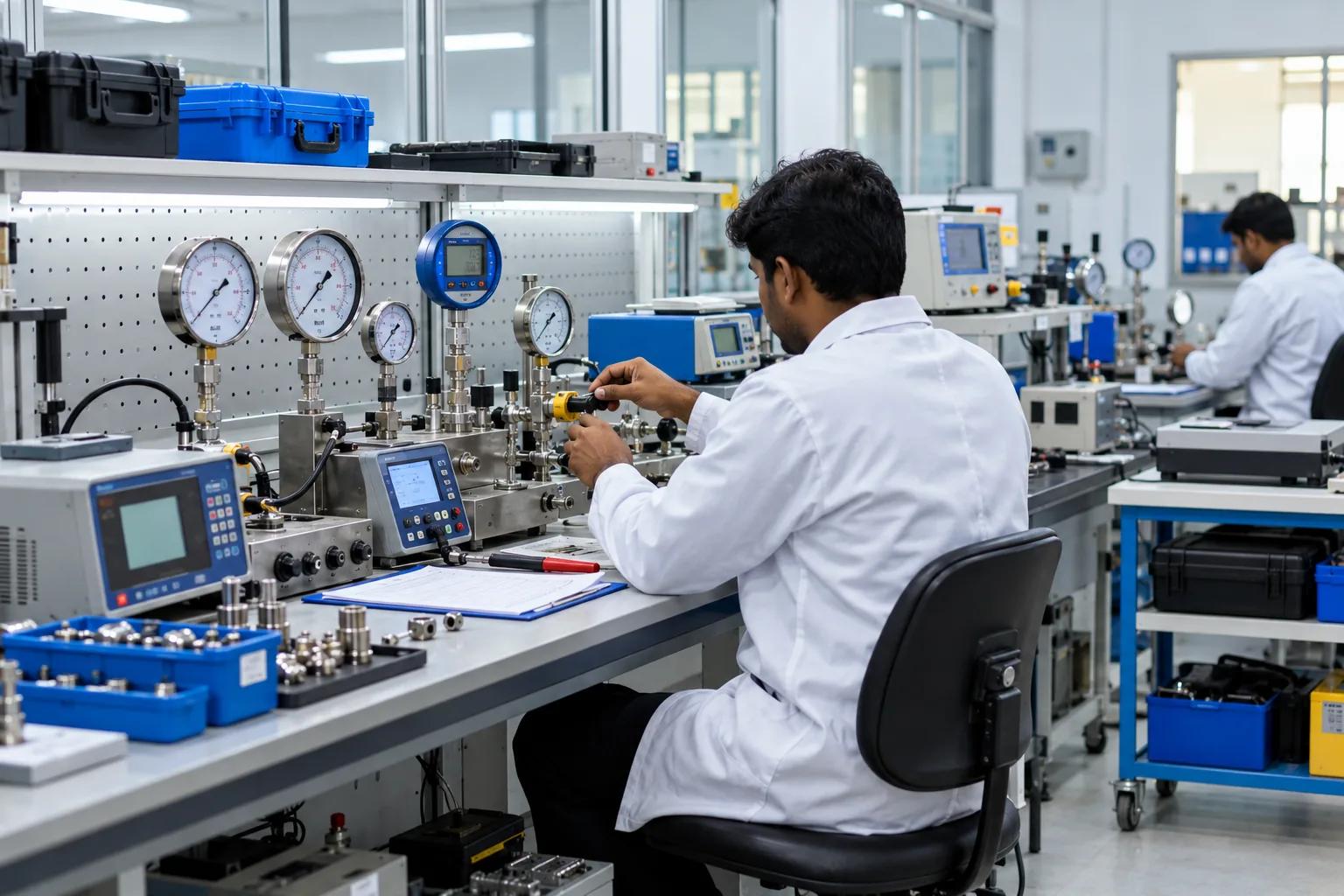
Inventory
Inventory Management Best Practices for Indian Businesses in 2026
Poor inventory management costs Indian businesses thousands of rupees every month in dead stock, stockouts and accounting errors. Here are the practices that fix it.
Why Inventory Management Matters
Inventory is often the largest asset on a small business balance sheet. Yet most Indian SMEs manage it with Excel sheets, stock registers, or memory — leading to constant problems: stockouts that delay production, excess stock that ties up cash, and inventory counts that never match the books.
This guide covers the best practices that systematic businesses use to keep inventory accurate, lean, and always aligned with business needs.
Practice 1: Maintain a Single Source of Truth
The most common inventory problem in Indian businesses is having multiple records. The store manager has one notebook. The accountant has another entry in Tally. The owner has a WhatsApp message with different numbers. None of them agree.
The fix is a single digital system where every movement — receipt, issue, return, adjustment — is recorded in one place. Every person who needs stock information reads from the same source. This eliminates reconciliation entirely.
With cloud ERP like Zoplax, inventory updates in real time across all users simultaneously. There is one number, visible to everyone, always accurate.
Practice 2: Define and Enforce Stock Categories
Categorise your stock properly: - Raw materials: Inputs used in production - Work-in-progress (WIP): Items in process on the shop floor - Finished goods: Ready-to-sell or ready-to-dispatch items - Consumables: Items used in operations but not sold (cutting tools, packaging material, office supplies) - Capital items: Machinery and equipment
Each category needs different tracking. Finished goods need reorder triggers based on sales velocity. Raw materials need reorder based on production schedule. Consumables need periodic physical counts.
Practice 3: Set Reorder Points
A reorder point is the stock level at which you must place a new order to avoid running out before the new stock arrives. The formula:
Reorder Point = (Average daily usage × Lead time in days) + Safety stock
For example: if you use 50 kg of steel per day, your supplier takes 7 days to deliver, and you want 3 days of safety stock: Reorder point = (50 × 7) + (50 × 3) = 500 kg.
When stock falls to 500 kg, place the order. If you wait until you run out, production stops.
In Zoplax, set minimum stock levels per product. Automatic alerts notify the purchase team when stock hits the reorder point.
Practice 4: Conduct Regular Physical Stock Counts
No system is perfectly accurate. Pilferage, damage, data entry errors, and production waste all cause discrepancies. Regular physical counts catch these before they become large problems.
Best practice: - Monthly: Count high-value and fast-moving items - Quarterly: Full physical count of all items - Annually: Full count before year-end financial closing
When the physical count differs from the system, record a stock adjustment with the reason code. This maintains an audit trail and helps identify patterns (e.g., consistent shortfalls in a particular item may indicate pilferage).
Practice 5: Track Stock Movements, Not Just Balances
Knowing current stock is not enough. You need to know WHY it changed. A robust movement log shows: - Every receipt (purchase order reference) - Every issue (production order or sales order reference) - Every adjustment (reason and user)
This makes it possible to reconstruct what happened if there is an unexplained discrepancy. Zoplax records every stock movement with timestamp, reference, quantity, and the user who recorded it.
Practice 6: Use HSN Codes and Units Correctly
For Indian businesses, correct HSN codes are critical for GST compliance. Every product must have: - The correct HSN code (ensures correct GST rate on invoices) - The correct unit of measurement (kg, MT, litre, piece, box, etc.)
In Zoplax, HSN codes and units are set on the product master and flow automatically to all invoices. This eliminates the manual lookup every time an invoice is raised.
Practice 7: Identify and Liquidate Dead Stock
Dead stock — items that have not moved in 6+ months — ties up working capital and takes up warehouse space. Run a slow-moving stock report every quarter to identify these items.
Options for dead stock: - Return to supplier for credit - Offer at a discount to clear - Repurpose in production (for raw materials) - Write off if genuinely obsolete
The cost of holding dead stock includes: storage space, insurance, potential obsolescence, and opportunity cost of capital tied up. Regular review prevents accumulation.
Practice 8: Integrate Inventory with Sales and Purchasing
The most powerful practice is making inventory a live reflection of business activity — not a separate record that must be updated manually.
In Zoplax: - Confirming a sales order deducts stock automatically - Receiving a purchase order adds stock automatically - Completing a production order deducts raw materials and adds finished goods automatically
No manual inventory entries needed for normal operations. Manual adjustments are only for corrections and physical count discrepancies.
Conclusion
Inventory management is not glamorous, but it directly affects your profitability and cash flow. The businesses that manage inventory well always know what they have, never run out of critical items, and carry the minimum stock necessary.
Start your Zoplax free trial and bring all your inventory data into one system today.
Newsletter
Get practical ERP and GST tips by email.
GST updates, stock and manufacturing tips — practical, not promotional.
No spam. Unsubscribe any time.
Written by the Zoplax team
We build Zoplax, a cloud ERP for Indian businesses, in Chennai — and write about what we learn from manufacturers, transporters, traders and their accountants.
15-day free trial · No card needed
Run your business on one system.
Billing, stock, accounts, GST and payroll in one place — made for traders, manufacturers, transporters, LPG agencies, builders and service labs.