
Manufacturing
Dispatch Management: How to Automate Delivery Operations in Indian Factories
Delivery delays are one of the top complaints customers have about Indian manufacturers. A proper dispatch management system eliminates the chaos and keeps customers informed.
The Delivery Problem in Indian Manufacturing
Delivery performance is the single biggest differentiator between manufacturers that retain customers and those that lose them. Price can be negotiated. Quality can be improved over time. But consistent, on-time delivery builds trust that is very hard to replace.
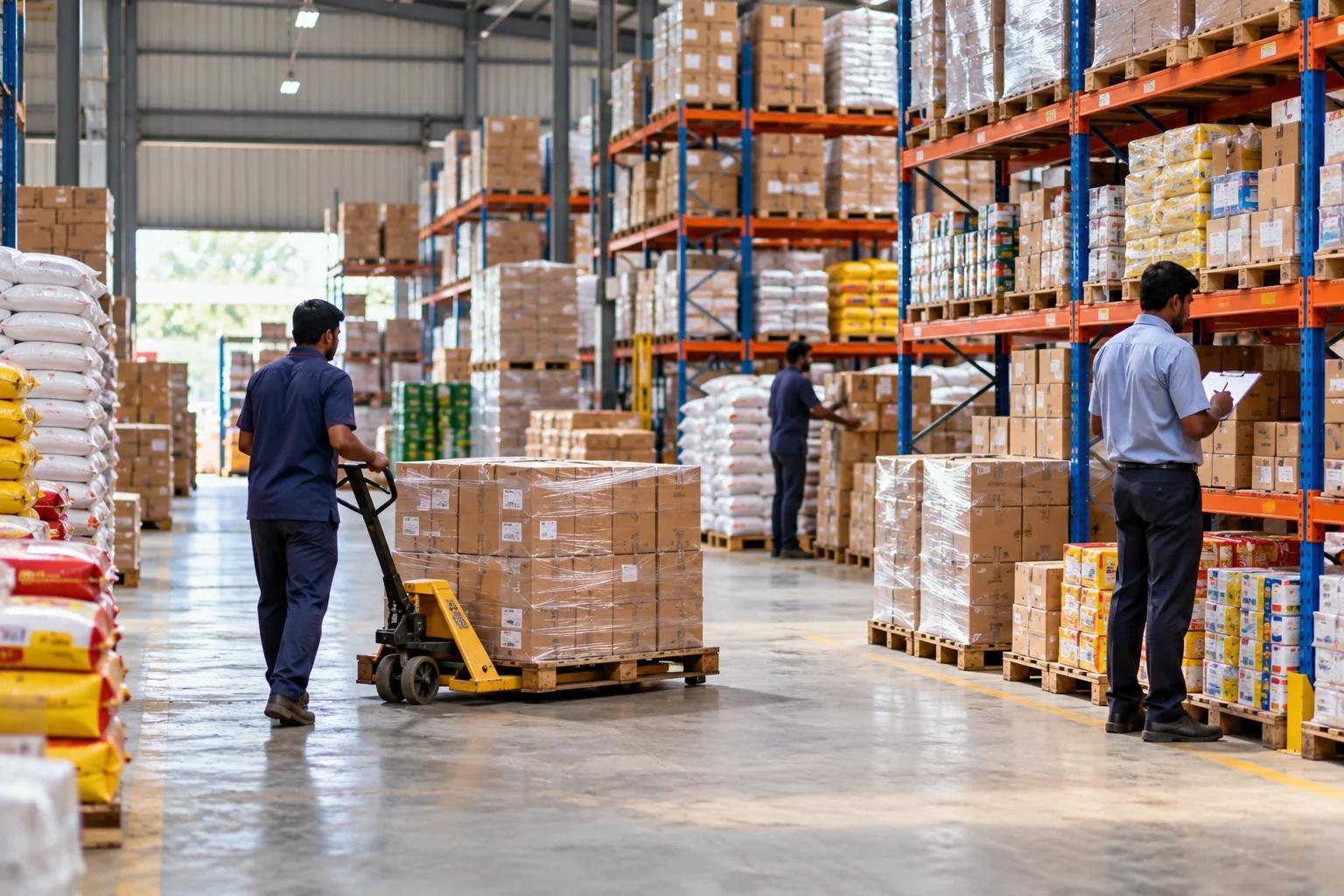
Yet most small Indian manufacturers manage deliveries with: - WhatsApp messages from the store manager to the transporter - Handwritten delivery challans copied from the invoice - No tracking of whether partial deliveries have been made - No visibility into what is still pending for each customer
When a customer calls asking where their order is, the answer is usually "let me check and call you back." This erodes confidence.
What is Dispatch Management?
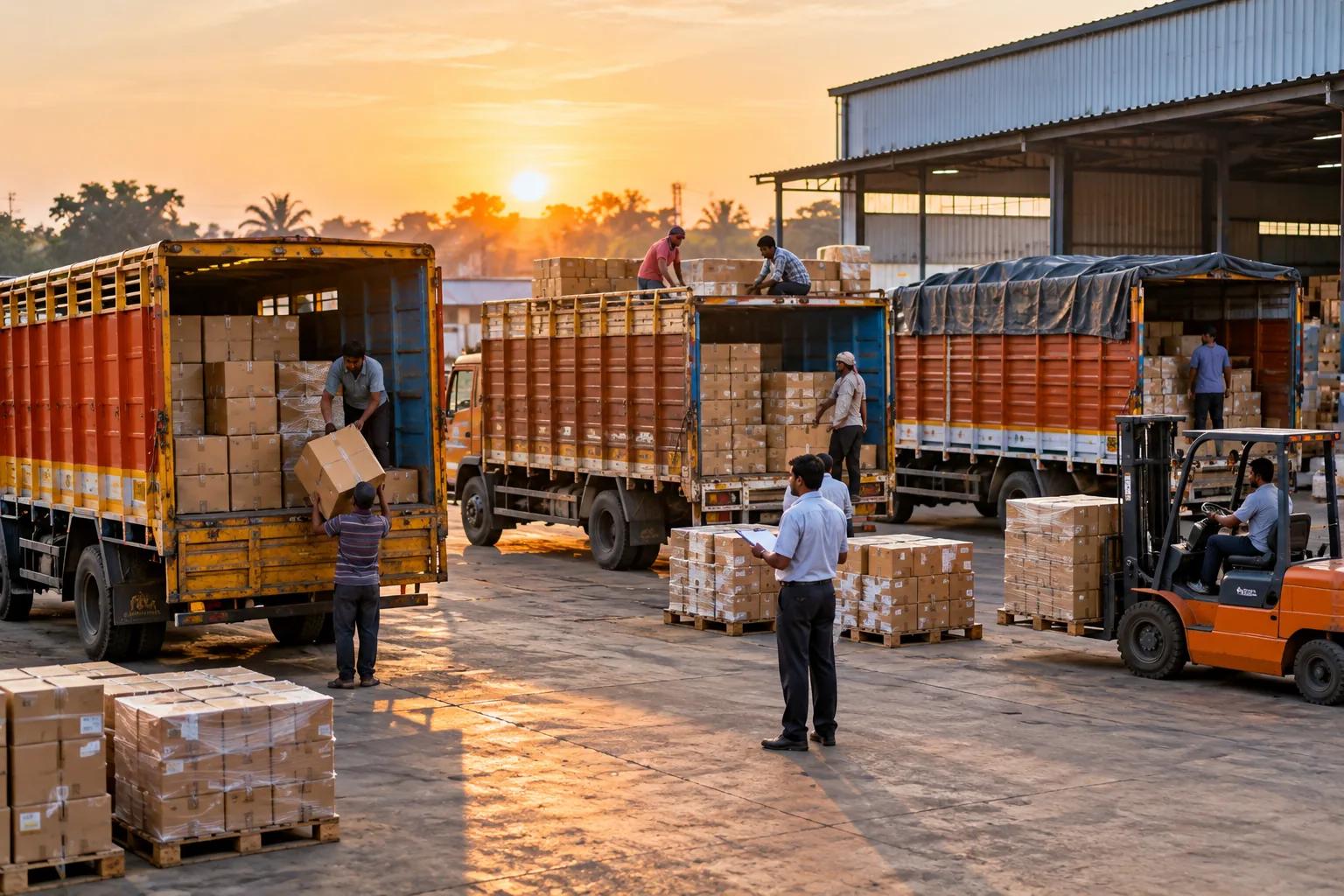
Dispatch management is the process of planning, creating, tracking and confirming deliveries against confirmed sales orders. A dispatch management system:
- Shows all confirmed orders and their pending delivery quantities
- Allows creation of a dispatch note (DC) for full or partial delivery
- Generates a delivery challan PDF with all line item details
- Tracks e-way bill number and vehicle details
- Updates the sales order dispatch status (Pending / Partial / Dispatched)
- Maintains a dispatch history per order
The Cost of Poor Dispatch Management
Short delivery losses: Without tracking, it is easy to dispatch 95 pieces against an order for 100 — and never follow up on the remaining 5. Over months and hundreds of orders, these short deliveries add up to significant unbilled revenue.
Duplicate deliveries: Without a clear record of what has been dispatched, warehouse staff sometimes pack and send items that were already delivered. The customer sends them back; both sides lose time.
E-way bill violations: In the rush to dispatch, vehicles sometimes leave without a valid e-way bill. The fine is ₹10,000 per occurrence — and the operational disruption of a vehicle being stopped is costly.
Customer disputes: When a customer claims they received 80 pieces and your records show 100 were dispatched, the dispute becomes a long reconciliation exercise. Signed delivery challans with exact quantities prevent these disputes.
Dispatch Management in Zoplax
Zoplax has a complete dispatch module (Dispatch Challan — DC):
- Go to Sales → Dispatch
- Select a confirmed sales order
- System shows each line item with ordered quantity, previously dispatched quantity, and pending quantity
- Enter dispatch quantity for each item (cannot exceed pending quantity)
- Add vehicle details, driver, e-way bill number
- Save → Dispatch Challan PDF generated
Dispatch Dashboard KPIs: - Pending dispatches (orders confirmed but not yet dispatched) - Today's dispatches (due to go out today) - This month's dispatches - Overdue dispatches (past promised date)
Dispatch Status on Sales Orders: When a partial dispatch is created, the sales order status changes to "Partial Dispatch." When all items are fully dispatched, it changes to "Dispatched." This status is visible on the sales order list, so customer service teams can answer status questions instantly.
Dispatch History: The sales order detail page shows every dispatch that has been made against it — date, quantities, vehicle, challan number. The complete delivery trail is always visible.
The E-Way Bill Workflow
- Generate e-way bill on ewaybillgst.gov.in (or via Zoplax in upcoming integration)
- Enter the e-way bill number and vehicle number in the Zoplax dispatch form
- The dispatch challan PDF includes the e-way bill number
- Zoplax tracks validity — dispatches with expiring e-way bills are flagged
Partial Dispatch: The Manufacturing Reality
Most large manufacturing orders are delivered in batches. A customer orders 5,000 pieces. You can supply 2,000 this week and 3,000 next week.
Zoplax dispatch handles this precisely: - First dispatch: 2,000 pieces → DC001, status = Partial Dispatch - Second dispatch: 3,000 pieces → DC002, status = Dispatched - Total dispatched = 5,000 = ordered quantity
If you tried to dispatch 3,001 pieces on the second delivery, the system would prevent it — you cannot dispatch more than the pending quantity.
This prevents over-delivery, under-delivery, and double delivery.
Connecting Dispatch to Invoicing
In some businesses, the invoice is raised after delivery (based on the delivery challan). In Zoplax: - Sales order → Dispatch challan (DC) → Tax invoice
The tax invoice can reference the dispatch challan number, creating an auditable chain from order to delivery to billing.
Implement a proper dispatch system and eliminate delivery disputes — start your Zoplax free trial today.
Newsletter
Get practical ERP and GST tips by email.
GST updates, stock and manufacturing tips — practical, not promotional.
No spam. Unsubscribe any time.
Written by the Zoplax team
We build Zoplax, a cloud ERP for Indian businesses, in Chennai — and write about what we learn from manufacturers, transporters, traders and their accountants.
15-day free trial · No card needed
Run your business on one system.
Billing, stock, accounts, GST and payroll in one place — made for traders, manufacturers, transporters, LPG agencies, builders and service labs.